 Gummy Mob
How ads work in free kids games: reward videos, break ads and banners
Three ad formats cover almost every free game on a child's phone. Here is what each one looks like, who starts it and what to watch for.
In this guide
Free kids games mostly use three kinds of ads. Reward videos play only when the player taps a button and give something in the game in return. Break ads fill the whole screen between levels and are started by the game. Banners are small strips at the edge of a menu. What matters for a child is who starts the ad, when it appears and how easy it is to say no.
A free game still has to pay for itself. If it does not sell anything, the money almost always comes from ads. That is not a bad thing in itself, but it helps to know what your child is looking at when a video suddenly starts or a strip appears under a menu.
This guide explains how ads work in free kids games, one format at a time. We make Gummy Mob, a free gummy bear game with ads and no purchases, so we use it as the worked example. For it we can tell you the exact rules, because we wrote them.
The three kinds of ads you will meet
Almost every ad in a mobile game is one of these:
- Reward video. A short video the player chooses to watch in return for something in the game. Ad companies call it a rewarded ad.
- Break ad. A full-screen ad the game shows at a pause, such as between two levels. The trade name is interstitial.
- Banner. A small strip, usually at the bottom of the screen, that stays there while a menu is open.
The big difference is who starts the ad. A reward video starts with a tap from the player. A break ad and a banner are placed by the game. So for a reward video the question is "is the choice fair?", and for the other two it is "is the timing fair?".
Reward videos: the player chooses
A reward video is a trade: watch a short ad, get a small prize. In a well-made game the button says clearly that a video comes next, and there is always a way to carry on without it.
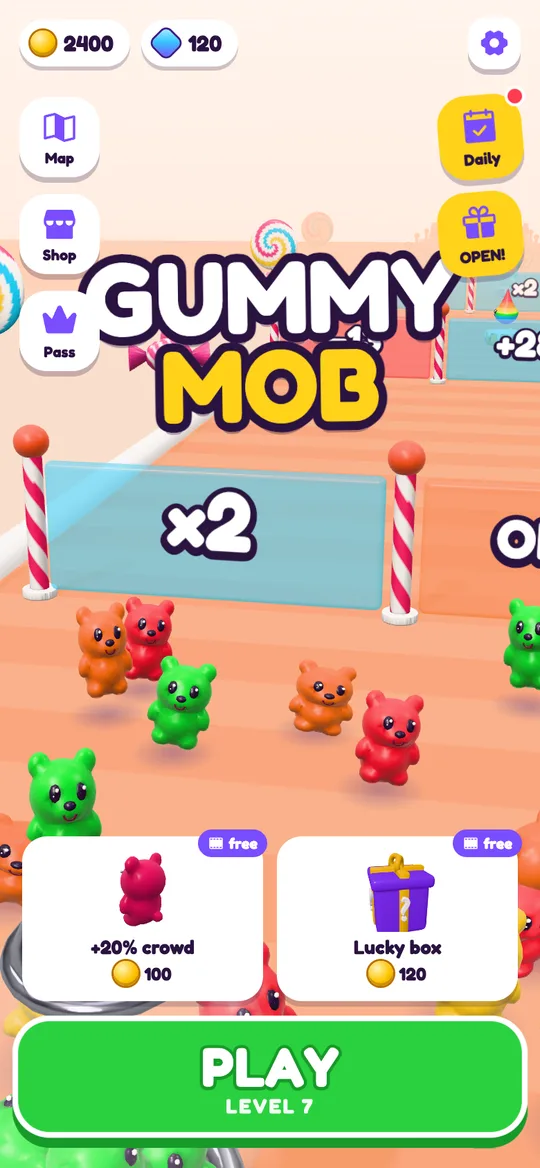
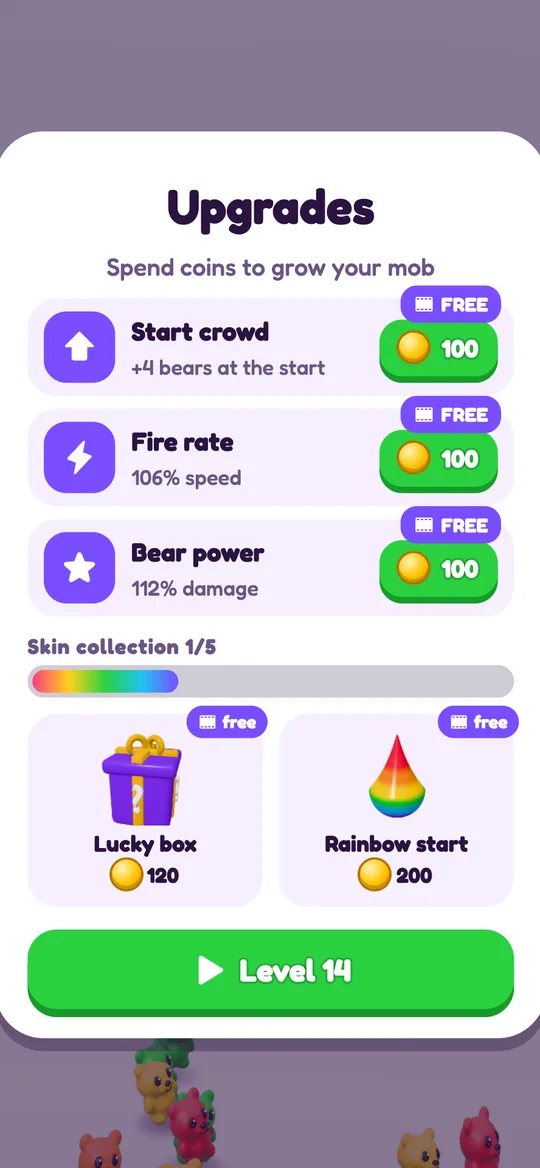
In Gummy Mob every reward video button carries a small film icon. It appears in these places:
- Continue after a loss, once per level
- x2 coins on the win card
- One free upgrade per visit to the Upgrades card
- A boost before a level, such as Rainbow start
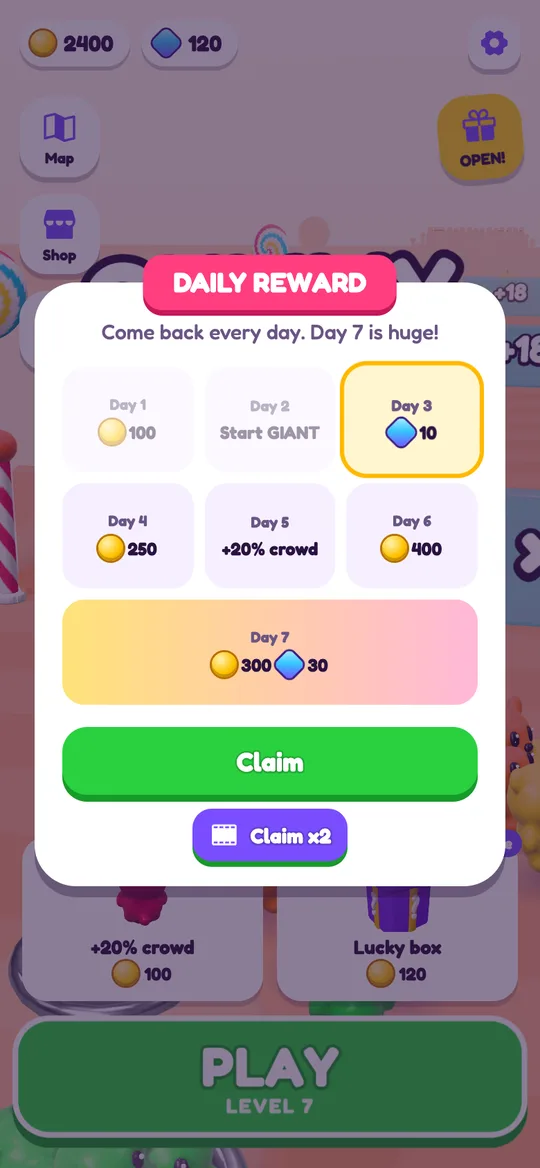
- Claim x2 on the daily reward
- Free coins and gems in the shop, a few times a day
- Bonus rewards on the Gummy Pass
Next to each of those is a way to say no: Try again, No thanks, plain Claim, or simply paying with coins you earned.
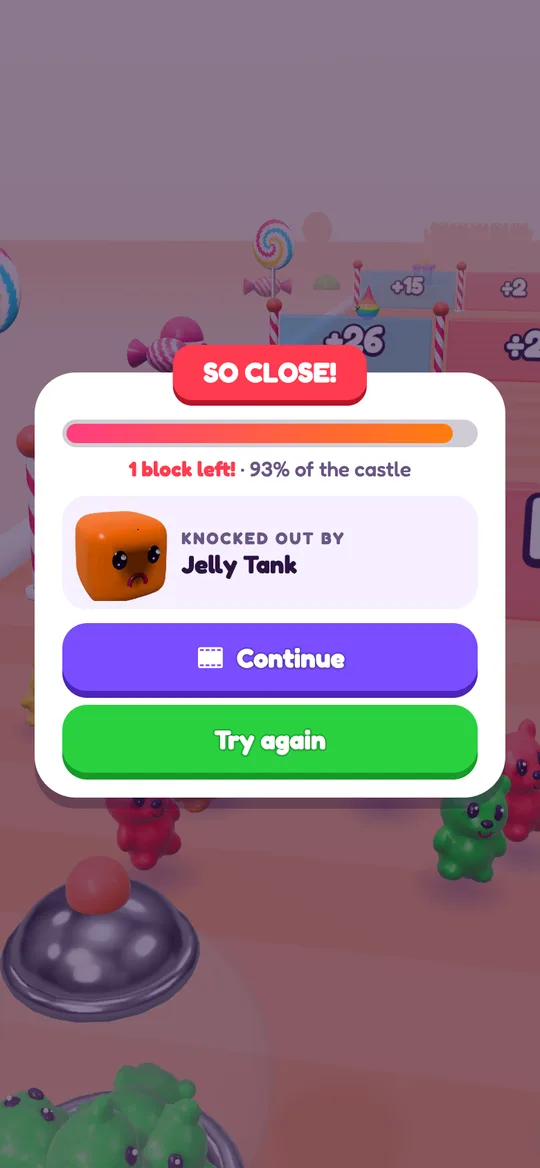
Two details are worth checking in any game. First, is the prize only given after the video was really watched? In Gummy Mob it is. And if no video is ready, the player sees "No video right now" and nothing else happens. Second, can the game be finished without videos at all? Here it can: every reward speeds things up, and none of them is a locked door. Our guide on how to earn coins faster lists all the ways that need no video.
Break ads: the game chooses
A break ad takes over the whole screen for a moment. It has a close button, often after a few seconds. Because the player did not ask for it, the timing decides whether it feels fine or annoying.
Unfair timing looks like this: an ad in the middle of play, an ad right after losing, or an ad every single level. Fair timing puts the ad at a natural pause and leaves real gaps.
These are the rules we set for break ads in Gummy Mob:
- Only after a level the player won. Never after a loss.
- Never during play.
- Only from level 6 onwards, so the first levels have none.
- At most one every 3 minutes.
- None in the first minute after opening the game.
So a child who loses a tough level is never shown an ad on top of it, and a short session of a level or two may pass with no break ad at all.
Banners: small, but check where they sit
A banner is the quietest format. It does not stop the game and it has no timer. The risk is different: a small finger can tap it by accident, and a tap opens the advertiser's page outside the game.
Good banner placement keeps the strip away from buttons and away from play. In Gummy Mob there is one small banner at the bottom of the screen. It shows on the home screen, the Candy Road map, the shop and pass sheets and the win, lose and Upgrades cards. It is hidden during play, on the pause card, on the age screen and on the grown-up question. The game keeps a gap between the banner and its own buttons, and that space stays reserved while the ad loads, so nothing jumps under a thumb.
What makes ads different for children
The format is one half of the picture. The other half is which ads are picked and how. Two settings do most of the work:
- A child-directed label on the ad request, which tells the ad network not to choose the ad from a profile of the child.
- A content rating cap, which limits what the ad may show.
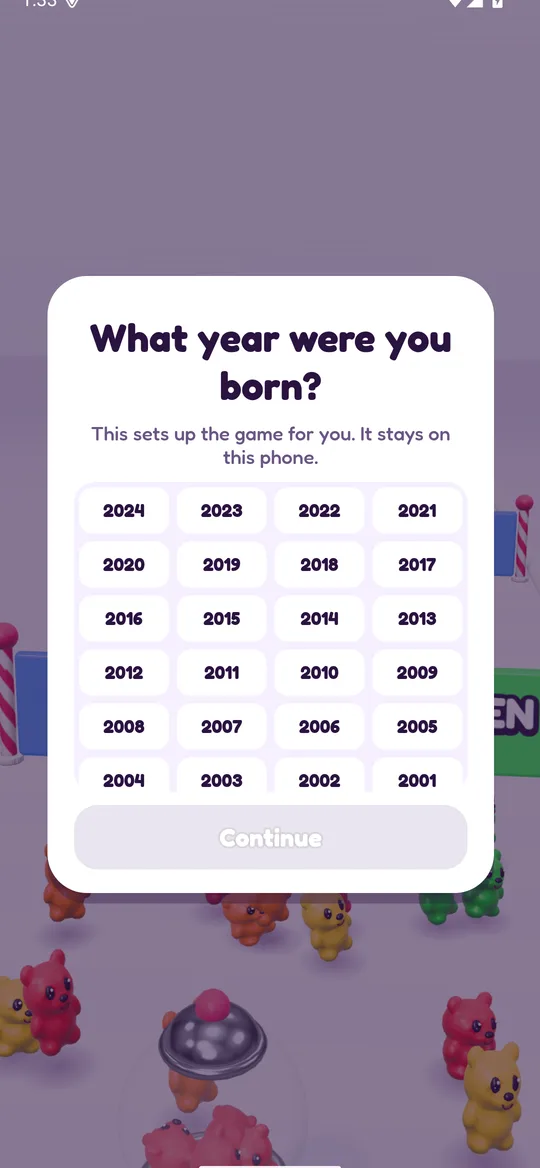
Gummy Mob asks for a birth year on first launch. Players under 13 get child-directed, non-personalised ad requests, and every ad for every player is capped at the G rating. We explain both settings in what are child-directed ads.
One more point: ads and purchases are separate things. A game can have both, one or neither. Gummy Mob has ads and no in-app purchases, so nothing in it can be bought with real money. For other games on the same phone, it is worth setting up a purchase lock. See how to turn off in-app purchases on Android.
How to check the ads in any kids game
Ten minutes with the game tells you most of what you need. Try this before you hand the phone over:
- Read the Play Store page. Look for the "Contains ads" line and the "In-app purchases" line. They are separate labels.
- Play the first five levels yourself. Note every ad and write down what kind it was: video you chose, full-screen break, or banner.
- Lose on purpose once. See what the game does. Does it show an ad on top of the loss, or only offer one?
- Look for the no button. Every reward video offer should sit beside a clear way to skip it.
- Tap around the banner. Are game buttons right next to it, or is there a gap?
- Turn on aeroplane mode. If the game plays offline, ads cannot load at all. Gummy Mob plays offline, and the internet is only used for ads.
- Talk it through with your child. Show them the film icon and the close button, and agree on a rule, such as "ask before you watch a video".
For the full picture of this one game, including data and deletion, read is Gummy Mob safe for kids.
FAQ
What is a reward video in a kids game?
It is a short ad the player chooses to watch in return for something in the game, such as extra coins or a second try. It should only start after a tap on a clearly marked button, and there should always be a way to play on without it.
When does Gummy Mob show ads?
Reward videos play only when the player taps a button with a film icon. Break ads can appear after a won level from level 6, at most one every 3 minutes, never in the first minute, never during play and never after a loss. One small banner shows on menus and result cards.
Can my child play Gummy Mob without watching any videos?
Yes. Every video is optional and sits beside a button that skips it. Videos give extras like double coins or a continue, and the levels can be cleared without them.
Do free kids games with ads also have purchases?
Some do and some do not, because ads and purchases are separate. The Play Store page lists them on separate lines. Gummy Mob has ads and no in-app purchases.
Can I stop ads from showing in a game?
If a game works offline, playing in aeroplane mode means ads cannot load. Reward offers will then simply have no video to play. Some games need the internet to run, so this does not work everywhere.