 Gummy Mob
Is Gummy Mob safe for kids? A parent's guide
Ads, purchases, data and settings explained in plain words, with the exact steps to check on an Android phone.
In this guide
Gummy Mob is built for a mixed audience that includes children. It has no accounts, no chat and no location access, and progress stays on the phone. Players under 13 only get child-directed, non-personalised ads, and every purchase, the privacy policy link and Delete my data first ask a grown-up question. Purchases go through Google Play, so you can also lock them in the Play Store settings.
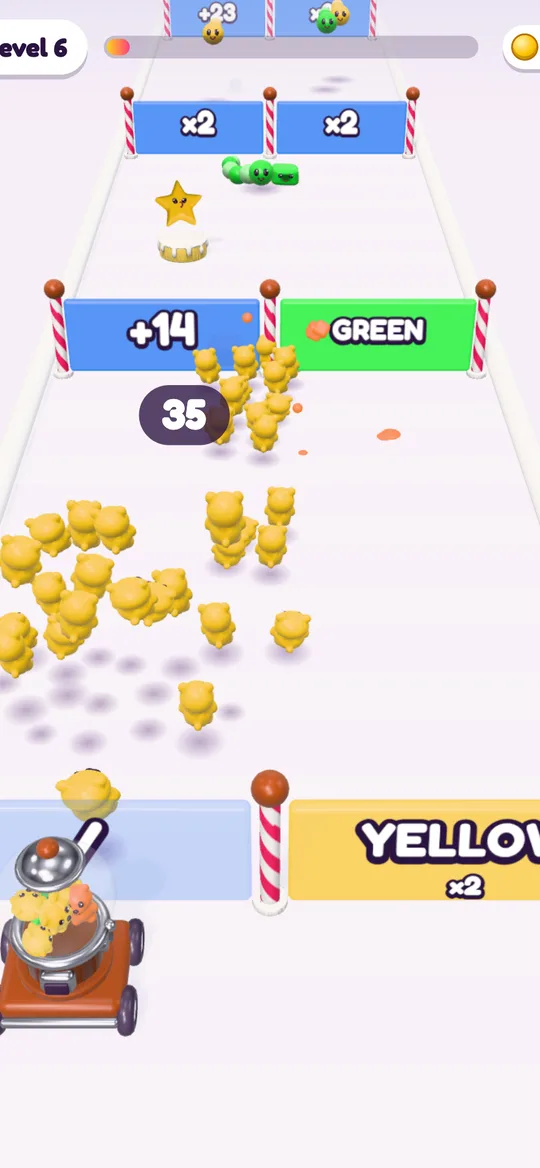
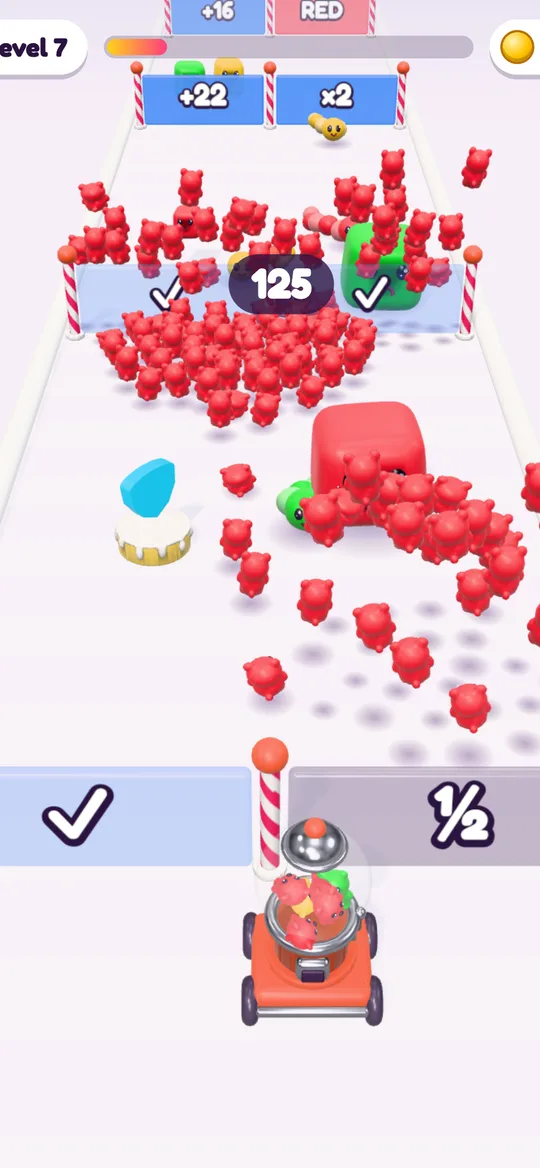
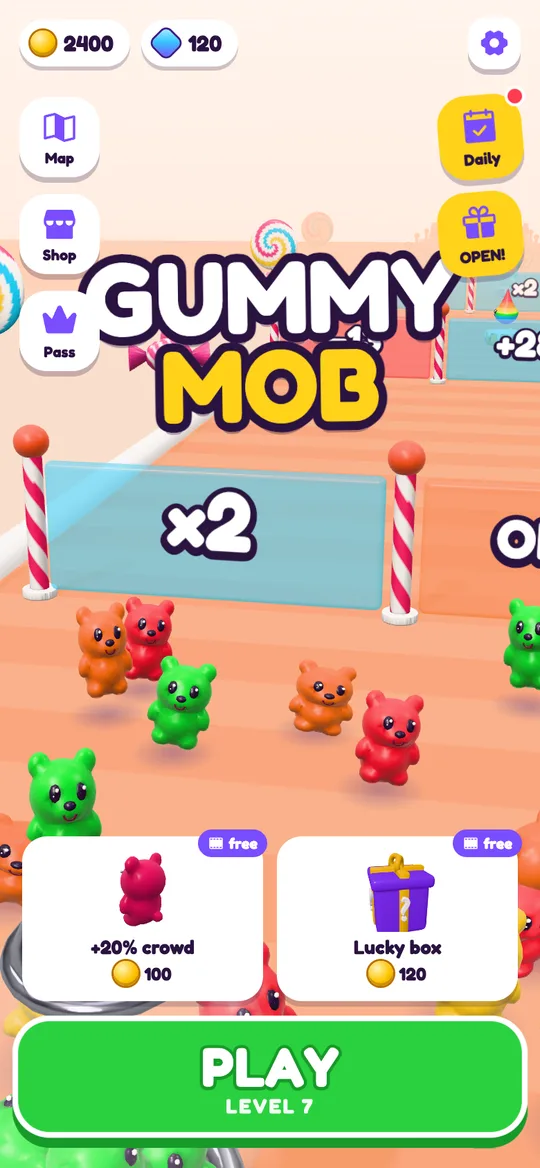
Gummy Mob is a bright candy game: a stream of gummy bears runs through gates, fights jelly monsters and knocks down candy castles. Nothing is realistic and nobody gets hurt. Bears and blocks squish into confetti. Still, it is a free game with ads and optional purchases, so before your child plays it is fair to ask: is Gummy Mob safe for kids, and how do those parts work?
We make Gummy Mob, so we can tell you exactly what the game does. Everything below matches our privacy policy, which has the full details.
The age question at the start
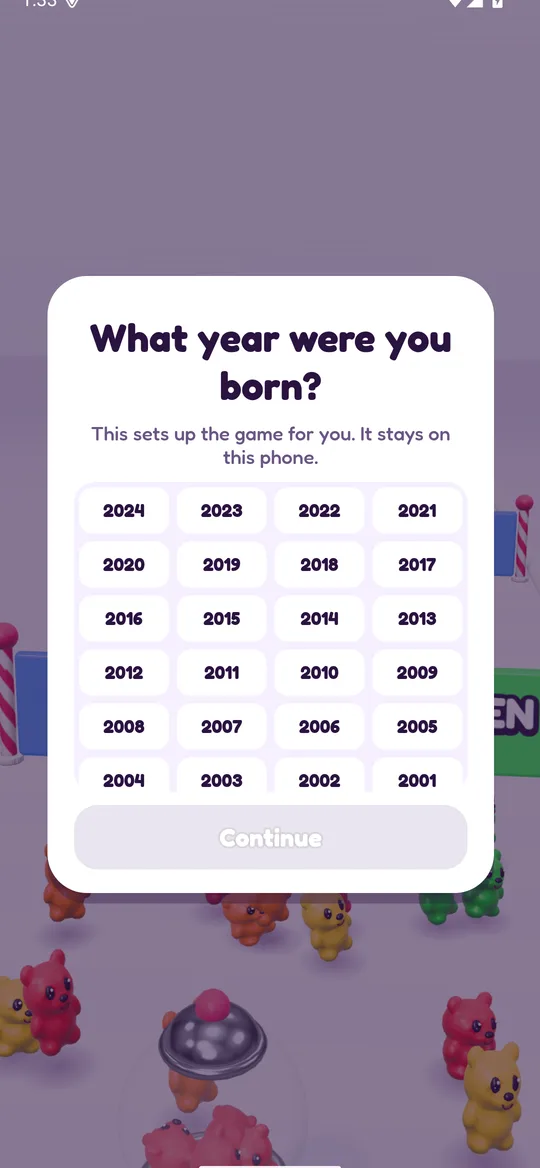
The first time the game opens, it asks one question: "What year were you born?" No year is selected in advance, and the Continue button stays grey until a year is tapped. Nothing on the screen hints at a "right" answer.
The year stays on the phone. It is never sent to us. The game uses it for one thing: deciding how ads work. Anyone who could still be 12 is treated as under 13, so the game stays on the safe side.
How ads work for children
Gummy Mob shows ads from Google AdMob, and all of them are limited to a G content rating. There are three kinds, and each one has rules.
For players under 13, every ad request is marked as directed to children, and only non-personalised ads are requested. No consent form appears, and the advertising ID is not used to build a profile.
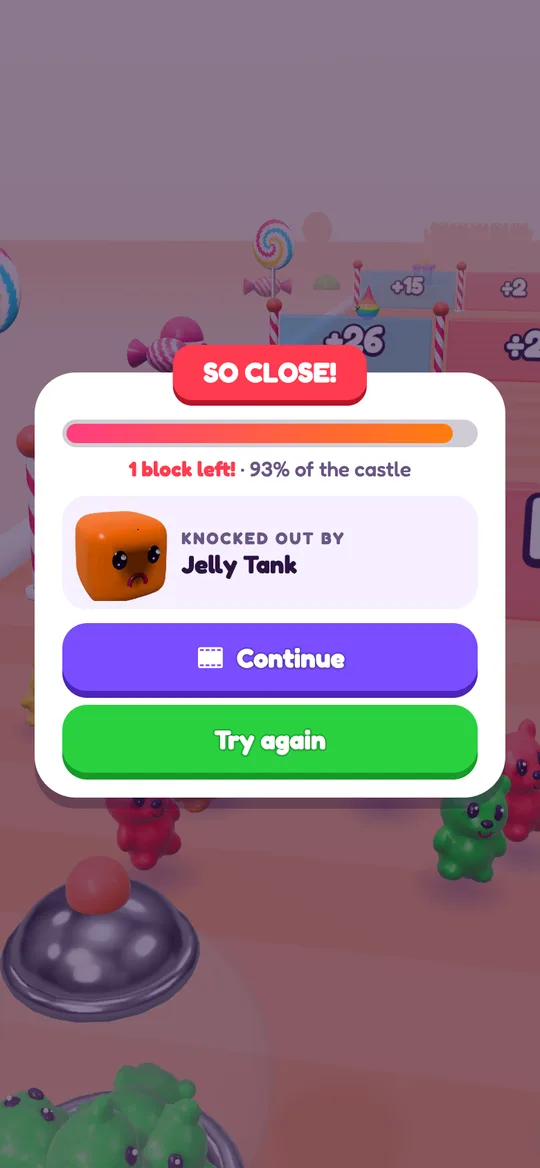
Reward videos only play when your child taps a button with a small film icon. They give something in return: a continue after a loss, double coins on the win card, a free upgrade, a rainbow start or a doubled daily reward. If your child does not tap, no video plays. The reward is only given when Google reports that the video was watched.
Break ads are full-screen ads between levels. They only appear after a level your child won, from level 6, at most one every 3 minutes and never in the first minute of a session. They never appear during play and never after a loss, so a frustrating moment is not followed by an ad.
One small banner sits at the bottom of the home screen, the Candy Road map, the shop and pass sheets and the result cards. It is never shown during play, and the game keeps clear space around it so it is hard to tap by accident.
Purchases and the grown-up question
The game offers optional purchases: coins, gems, skins, a Starter Pack, the Gummy Pass and No ads. All of them are handled by Google Play. We never receive payment details.
Before any purchase screen opens, the game asks a grown-up question: a multiplication sum. In Gummy Mob this question appears for every player, not only children. The same question guards the privacy policy link and Delete my data.
The free box and the mystery boxes on the road give random coins or power-ups, but they can never be bought with real money. Coins, gems and skins can all be earned by playing.
To add a second lock on your side, turn on purchase authentication in the Play Store:
- Open the Google Play Store app.
- Tap your profile picture, then Settings.
- Open Authentication and choose Require authentication for purchases, then pick "For all purchases through Google Play on this device".
- For more control, open Family, then Parental controls, and set a content rating for apps and games.
If you would rather have no break ads or banner, the one-time No ads purchase removes them. Reward videos stay available, and stay optional.
What data leaves the phone
Gummy Mob has no accounts, no sign-in, no chat and no server of its own. Your child's level, coins, gems, skins, upgrades, settings and birth year are saved only on the phone, and we never see them.
The only data that leaves the phone goes to Google, for ads and purchases. For players 13 and over, Google may use the advertising ID and an approximate location from the IP address to show and measure ads, and asks for consent first where the law requires it. For players under 13, ads are not personalised.
The game does not ask for location, camera, microphone, contacts or file access. It plays offline. The internet is only used for ads and Google Play purchases, so in airplane mode there are simply no ads.
Deleting the data
There are two easy ways:
- In the game, open Settings (the gear), tap Delete my data and answer the grown-up question. The game restarts from the first level.
- Uninstall the app. All game data on the phone is removed.
Purchases stay linked to the Google account and can be brought back with Restore purchases. Our delete your data page has the same steps.
Making it a shared game
Gummy Mob levels are short, which makes them easy to share. A few ideas:
- Play a level together and talk about which gate to choose. Our colour gates guide explains why matching colours matter.
- Use the end of a level as a natural stopping point: "one more castle, then dinner".
- Swap tips on growing a bigger crowd with our crowd runner tips.
As with any game, the best check is your own. Play the first few levels yourself, open the settings and see what your child will see.
FAQ
Does Gummy Mob have chat or online play?
No. There is no chat, no accounts, no friends list and no online play. Each game is played alone on the phone, and the game works offline.
Will my child see personalised ads?
Not if they are under 13. For players who give a birth year under 13, every ad request is marked as directed to children and asks for non-personalised ads only. All ads in the game are limited to a G content rating.
Can my child buy things without me knowing?
Every purchase in Gummy Mob first asks a grown-up question, and purchases are processed by Google Play. With Require authentication for purchases turned on in the Play Store, each purchase also needs your password or fingerprint.
Are the mystery boxes a form of gambling?
The mystery boxes on the road and the free box give random power-ups or coins during play, but none of them can be bought with real money. There are no slots, cards or betting in the game.
How do I remove all of my child's game data?
Open Settings in the game and tap Delete my data, or uninstall the app. Progress is only stored on the phone, so either way it is gone.