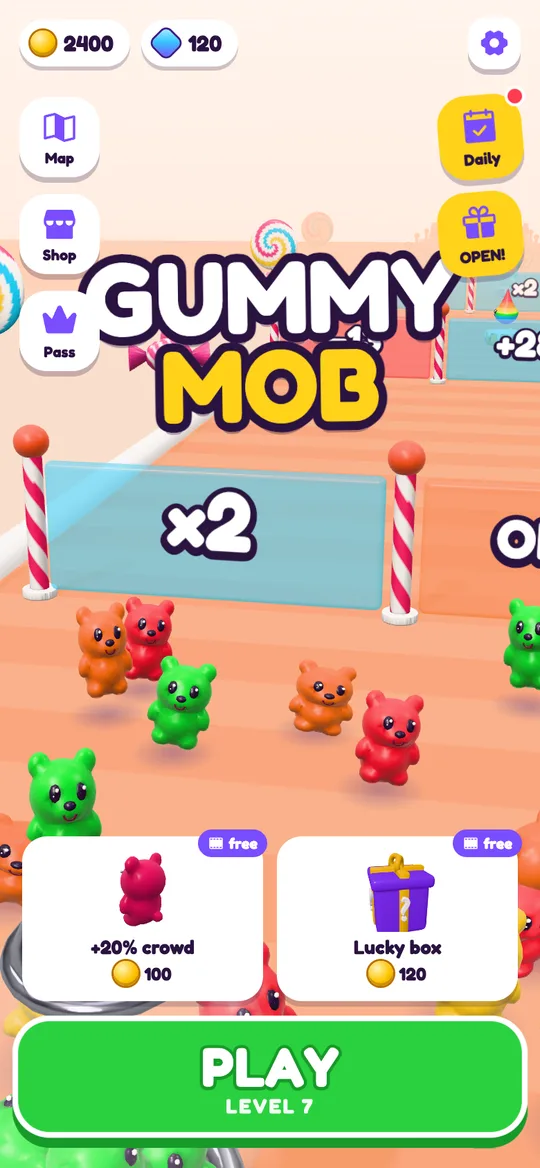
 Gummy Mob
Offline crowd runner games for travel: how to check and prepare
Planes, trains and back seats have patchy signal. Here is how to make sure your game still works when the bars disappear.
In this guide
Offline crowd runner games are a good fit for travel because each level is short and the controls need only one thumb. Before you leave, put the phone fully in airplane mode, close the game and open it again to check it still starts and saves. Gummy Mob plays offline and keeps your progress on the device; only the optional reward videos need a connection.
A long flight, a train through the hills or a car ride with a bored passenger in the back: these are exactly the moments when the signal drops. A game that quietly needs the internet will stall on a loading screen just when you want it most.
Crowd runners suit travel well. A level is short, you steer with one thumb, and there is a natural pause after every castle, so it is easy to stop when the plane lands or the car pulls in. This guide shows you how to check whether a game really works without a connection, how to prepare it before the trip, and what to expect from Gummy Mob, our gummy bear crowd runner, when the phone is offline. If you are new to the genre, start with what a crowd runner game is.
Why "plays offline" needs a real test
Many people decide a game is offline because it kept running for a few minutes after the Wi-Fi dropped. That is not the same thing. Some games only check for a connection when they first start, when they load a new level or when they save. You find out at 10,000 metres, when it is too late to download anything.
The only reliable proof is a cold start with no connection at all. That means no Wi-Fi and no mobile data, with the game closed completely first, so it has to load from scratch the way it will on the trip.
How to test a game in airplane mode
Do this at home a day or two before you leave, while you can still update or swap games.
- Update the game first. Open the Play Store on Wi-Fi and install any pending updates, so it does not ask for one mid-trip.
- Play the opening levels once. Many games show first-run screens, such as an age question, only on the first launch. Get those out of the way at home.
- Close the game fully. Swipe it away from the recent apps screen, so it is not just paused in the background.
- Turn on airplane mode. Use airplane mode rather than only switching off Wi-Fi, so mobile data is off too.
- Open the game and play a full level. Watch for spinning loaders, "connect to continue" messages or a frozen start screen.
- Close it and open it again. Check that the level you just cleared, your coins and your settings are still there. This proves the game saves on the phone.
- Turn airplane mode off. Note anything that did not work, so nobody is surprised on the trip.
What works in Gummy Mob without a connection
Gummy Mob is built to play offline. The internet is used only for ads; the game itself runs without it. Here is what that means in practice.
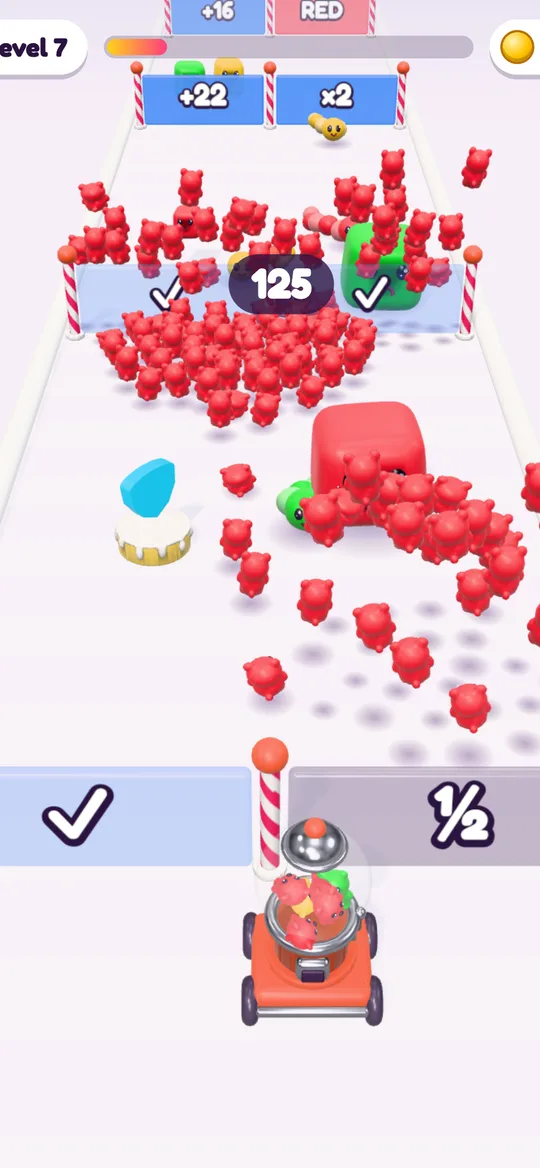
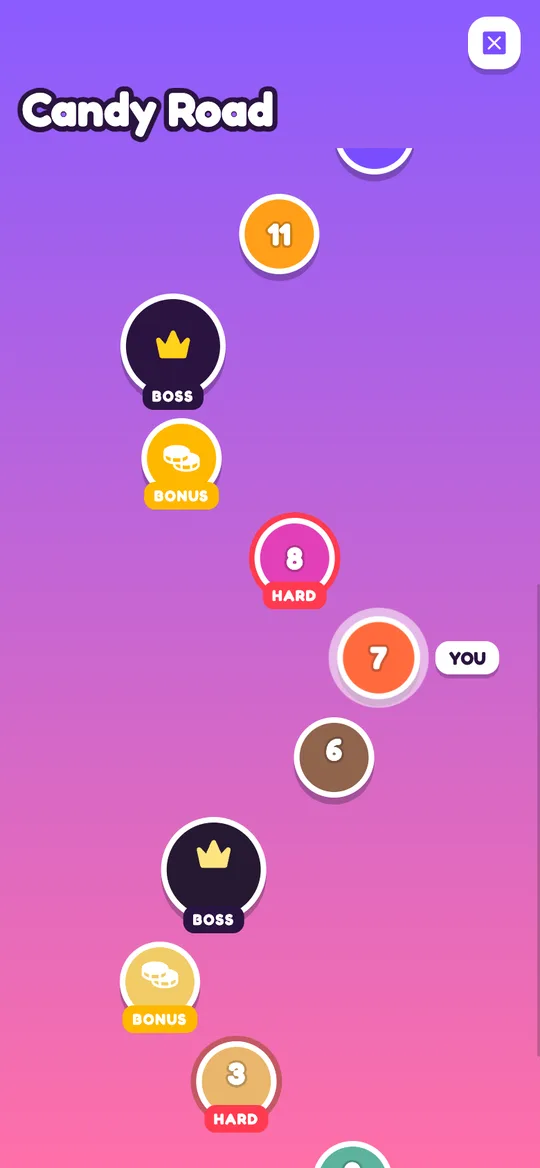
- Every level plays. Gates, colour matching, jelly enemies, power-ups, traps and the candy castle all work with no signal, including the HARD, BOSS and BONUS stops on the Candy Road map.
- Progress stays on the phone. Your level, coins, gems, skins and settings are saved on the device, so closing the game does not lose anything. There is no account to sign in to.
- Upgrades and boosts work. You can spend coins on start crowd, fire rate and bear power between levels, and use boosts you already own.
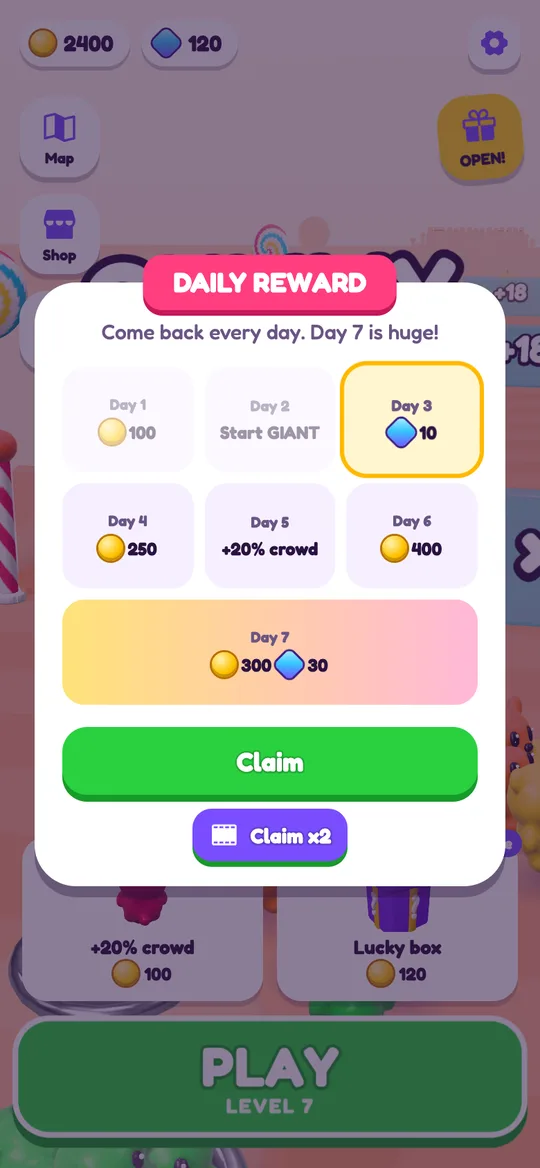
- The daily reward and free box still count. The free box opens every 2 hours and the daily reward once per day, both based on the phone's own clock, so you can collect them on the road.
What needs the internet
Only the optional reward videos need a connection. In Gummy Mob these are the optional videos for a continue after a loss, double coins, Claim x2 on the daily reward, a free upgrade or a rainbow start. The buttons carry a small film icon.
With no signal, tapping one of them shows a short "No video right now. Try again soon" message and nothing else happens. You do not lose anything, and you never need a video to keep playing. Every reward that comes from playing the game itself still works.
The most common moment you will notice this is the lose card. Offline, skip Continue and tap Try again to restart the level straight away.
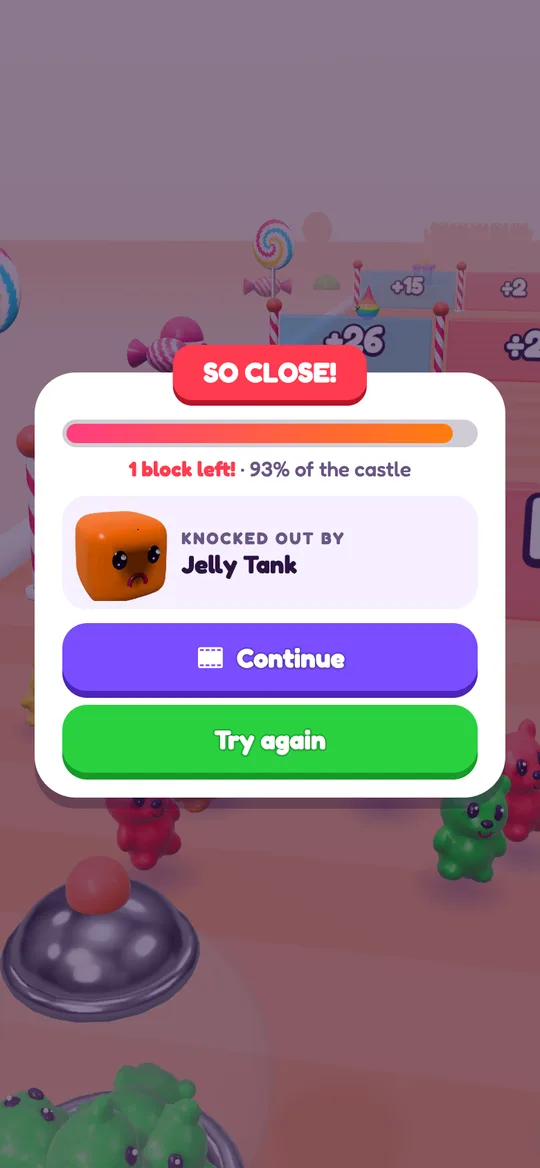
If a level keeps beating you during the trip, a quick upgrade and a different gate choice usually help more than a continue would. Our crowd runner tips cover the gate and castle habits that make the biggest difference.
Getting ready for the trip
A few small steps make travel play smoother for everyone.
- Charge the device fully and pack a charger or power bank. Fast 3D games use more power than a book app, so plan for it on long days.
- Sort out sound before you board. Gummy Mob has a Sound on and off switch in Settings (the gear icon on the home screen). Turn it off for a quiet cabin, or bring headphones.
- Spend coins at home if you like. Upgrades work offline too, but planning them with a bit of time can be nicer than doing it in a cramped seat.
- Agree on a stopping point. Short levels make it easy to say "two more castles, then we put it away".
- Know the pause. On Android, pressing back during a level opens the Paused card, which is handy when the snacks arrive.
If a child is playing, it is also worth reading is Gummy Mob safe for kids before the trip. It explains the age question at the start, how ads work for younger players and why there are no in-app purchases.
What to look for in any travel game
The same checks help with any game you take on the road, crowd runner or not:
- It cold starts in airplane mode, as tested in the steps above.
- It saves on the device, so a closed app or a flat battery does not wipe progress.
- Levels are short, with a clear end, so you can stop at the gate or the station.
- It works with one hand, which matters on a tray table or in a moving car.
- Nothing important needs a video or a purchase to continue.
Gummy Mob ticks each of these. It is a free crowd runner for Android and is coming soon to Google Play.
FAQ
Can you play Gummy Mob offline?
Yes. Every level, the upgrades, the daily reward and the free box work without a connection, and your progress is saved on the device. Only the optional reward videos need the internet.
What happens if I tap a video button with no internet?
Gummy Mob shows a short message saying there is no video right now. Nothing is taken away, and you can keep playing normally. On the lose card, tap Try again instead of Continue.
Is airplane mode enough to test a game for a flight?
Yes, if you close the game fully first. Airplane mode turns off mobile data as well as Wi-Fi, and a cold start shows whether the game really loads with no connection.
Will I lose progress if the game is closed during the trip?
Not in Gummy Mob. Your level, coins, gems, skins and settings are saved on the phone, so you carry on where you left off when you open it again.
Do I need an account to play Gummy Mob offline?
No. There is no account or sign-in at all, so there is nothing to log in to before you leave.